








HackRF H4M Amplifier Protection: Prevent Hardware Failure
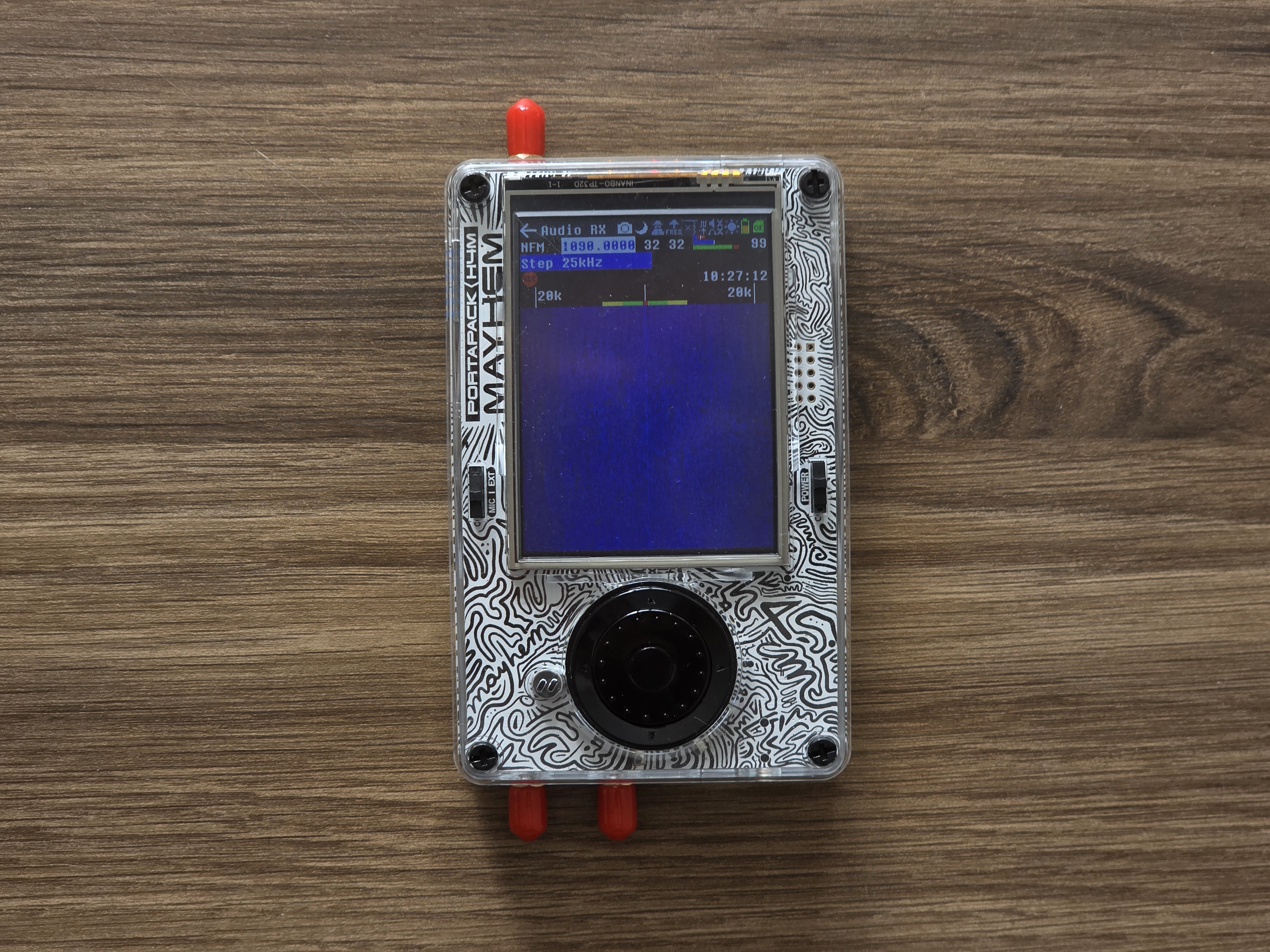
The Problem: Most Common H4M Hardware Failure
The RF amplifier (MGA-81563-TR1G) in your HackRF H4M is the most vulnerable component to damage. When working properly, enabling the amp should increase signal strength by ~11 dB. When damaged, enabling the amp actually decreases signal strength—it becomes an attenuator instead of an amplifier.
How Amplifier Damage Occurs
- Static Discharge: As little as 1V of static electricity can destroy the amp when connecting/disconnecting antennas
- RF Overload: Exceeding -5 dBm input power (the documented safe limit) causes permanent damage
- Nearby Transmitters: Operating close to high-power transmitters without protection
- Antenna Cable Static: Coaxial cables can build up static charge, especially in dry conditions
Prevention Strategies
- Power Off First: Always turn off your H4M before connecting or disconnecting antennas
- Ground Antennas: Touch antenna connectors to ground before connection to discharge static
- Use Attenuators: Install 10-20 dB attenuators when operating near strong RF sources
- Amp Off by Default: Keep the internal amp disabled unless specifically needed
- External LNAs: Use external low noise amplifiers instead of the vulnerable internal amp
Proper Gain Settings
- Start Conservative: Begin with LNA 16 dB, VGA 20 dB, Amp OFF
- Increase Gradually: Adjust LNA and VGA before enabling the internal amp
- Monitor Signal Levels: Watch for saturation indicators in the UI
- Use External Amps: Consider 20 dB external LNAs with bias-T power for safer operation
Testing Your Amp Status
- Open Receive → Audio and tune to a known strong signal (FM broadcast)
- Note the signal strength with amp OFF
- Enable the amp and observe signal change
- Healthy amp: Signal strength increases significantly
- Damaged amp: Signal strength decreases or disappears
Hardware Protection Upgrades
The latest H4M models include enhanced RF protection compared to earlier versions:
- R10C Version: Includes additional protection diodes at the antenna port
- Clifford Heath Edition: Features comprehensive amp protection circuitry
- Standard H4M: Basic protection but still vulnerable to static discharge
Safe Operating Practices
- Indoor Testing: Use dummy loads or attenuators for initial testing
- Antenna Selection: Match antennas to frequency bands to minimize out-of-band interference
- Cable Management: Use quality coaxial cables with good shielding
- Environmental Awareness: Be extra cautious in dry, static-prone conditions
External Protection Options
- Inline Attenuators: 10-20 dB fixed attenuators for high-RF environments
- Variable Attenuators: Adjustable attenuation for different scenarios
- Bandpass Filters: Reduce out-of-band interference and overload
- ESD Protection Devices: Specialized RF ESD suppressors for antenna lines
Recovery Options
If your amp is already damaged:
- Disable Internal Amp: Keep amp OFF—you can still use the H4M effectively
- Use External LNA: Compensate with external amplification
- Professional Repair: Component-level repair requires micro-soldering skills
- Replacement Consideration: Severe damage may warrant device replacement
Long-Term Maintenance
- Regularly test amp functionality using the procedure above
- Inspect antenna connections for corrosion or damage
- Keep firmware updated for latest protection features
- Document any incidents that might have caused damage
Get Your Protected HackRF H4M R10C Today!
Invest in the latest H4M with enhanced protection features, or upgrade your existing unit with external protection accessories.
Get your H4M today!
Comments
No posts found
Write a review






We support all major card and digital payment options. More local methods are available and shown during checkout.
You enter into a binding sales contract once you have received an 'order confirmation and sales receipt' email from us, in line with our Sales & Delivery conditions. Therefore, sdrstore.eu has the right to cancel your order in the event of technical problems, delivery failure, Fair use policy and other similar situations.






Your payments are protected by advanced encryption and 3-D Secure authentication for safe online shopping.