








HackRF H4M Guides
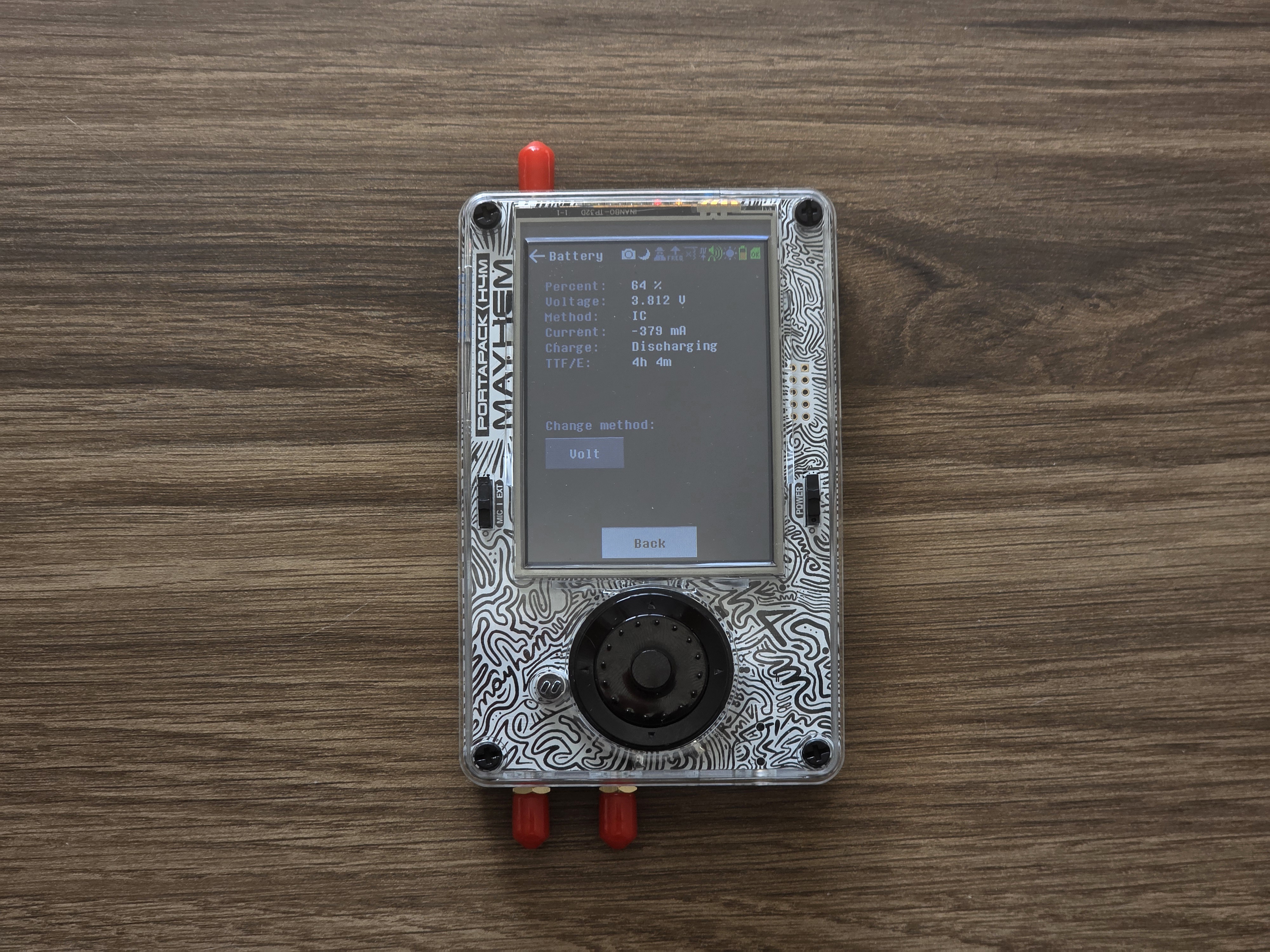

Fix HackRF H4M Battery Not Charging: Troubleshooting Guide
1. Quick Checks Before Troubleshooting Further
Use the original USB-C cable and a verified power source (5V/2A recommended).
Inspect the USB-C connector for dust, damage, or bent pins and clean gently if needed.
Try multiple cables and...
HackRF H4M Amplifier Protection: Prevent Hardware Failure
The Problem: Most Common H4M Hardware Failure
The RF amplifier (MGA-81563-TR1G) in your HackRF H4M is the most vulnerable component to damage. When working properly, enabling the amp should increase signal strength by ~11 dB. When damaged, enabling the...
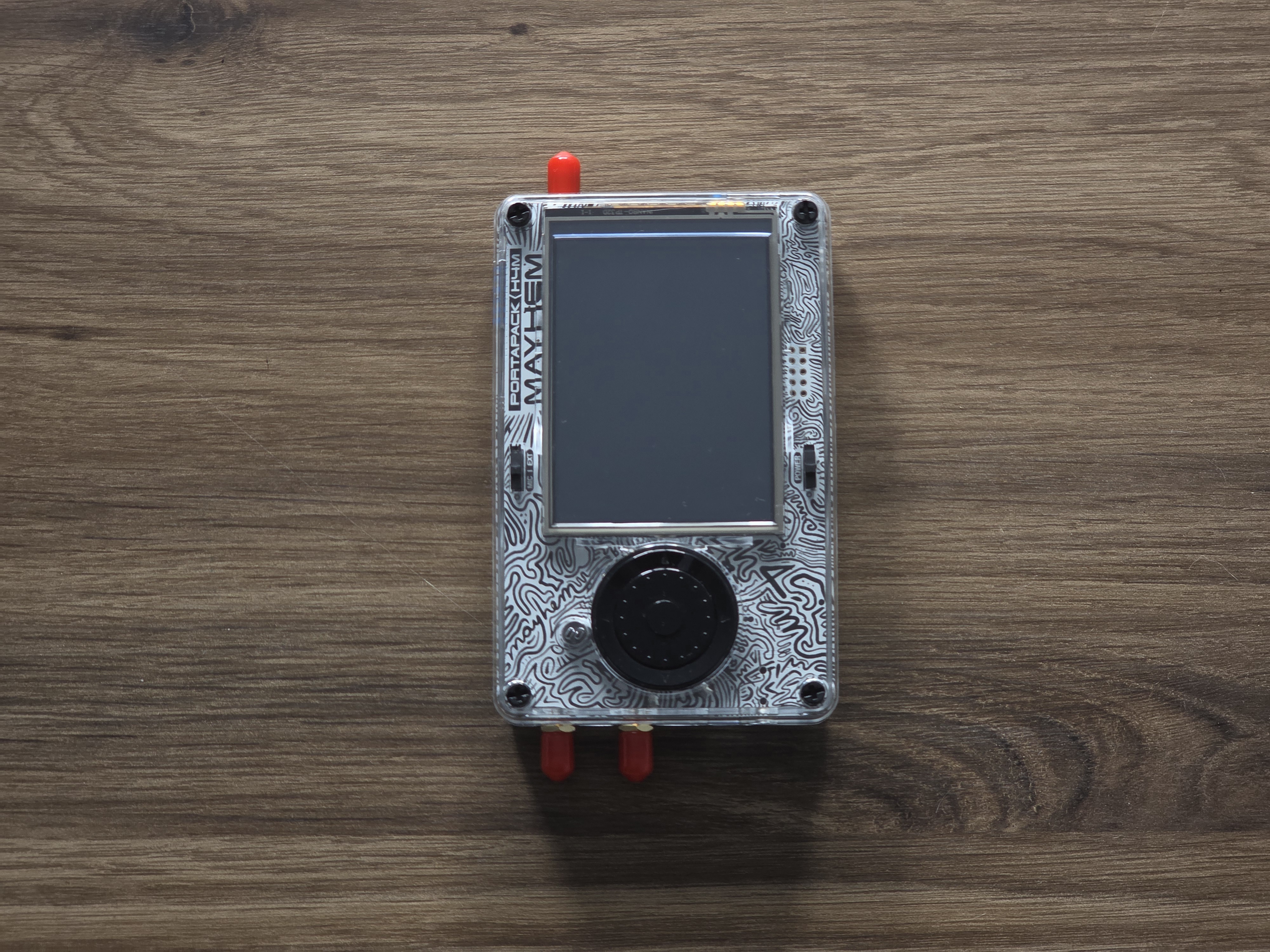
Fix HackRF H4M White/Black Screen: Screen Problems Solved
Common Screen Problems Overview
White Screen on Boot : Display shows solid white, no Mayhem interface
Black Screen : No display output, device may show LED activity
Intermittent Display : Screen works only with pressure or specific...
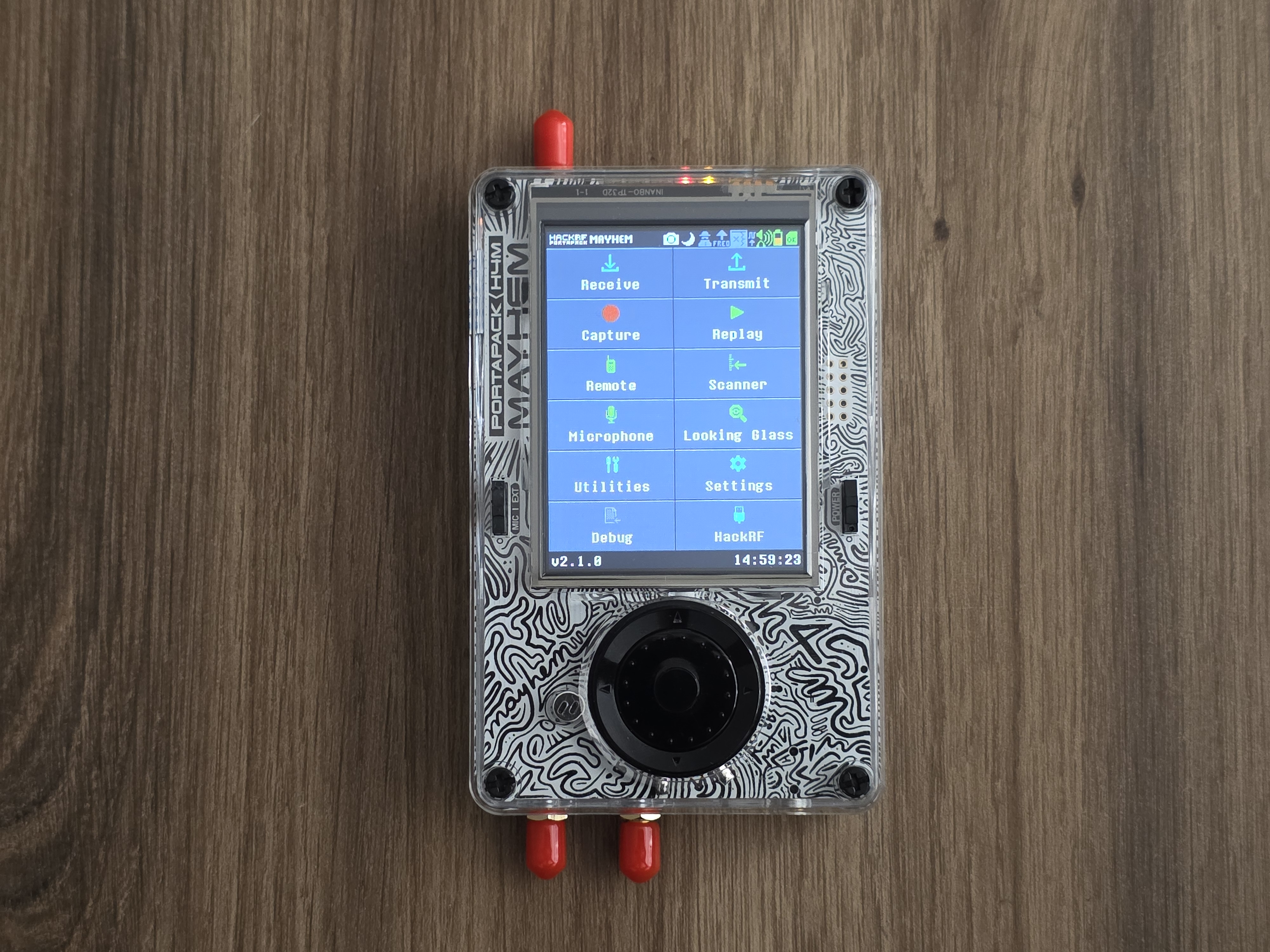
HackRF H4M Complete Beginner Setup: From Unboxing to First Signal
What's in Your H4M Package
Your HackRF H4M bundle should include:
HackRF PortaPack H4M Device : Fully assembled SDR with integrated battery and display
Charging Cable : USB-C cable for fast charging and data connection
Antenna...
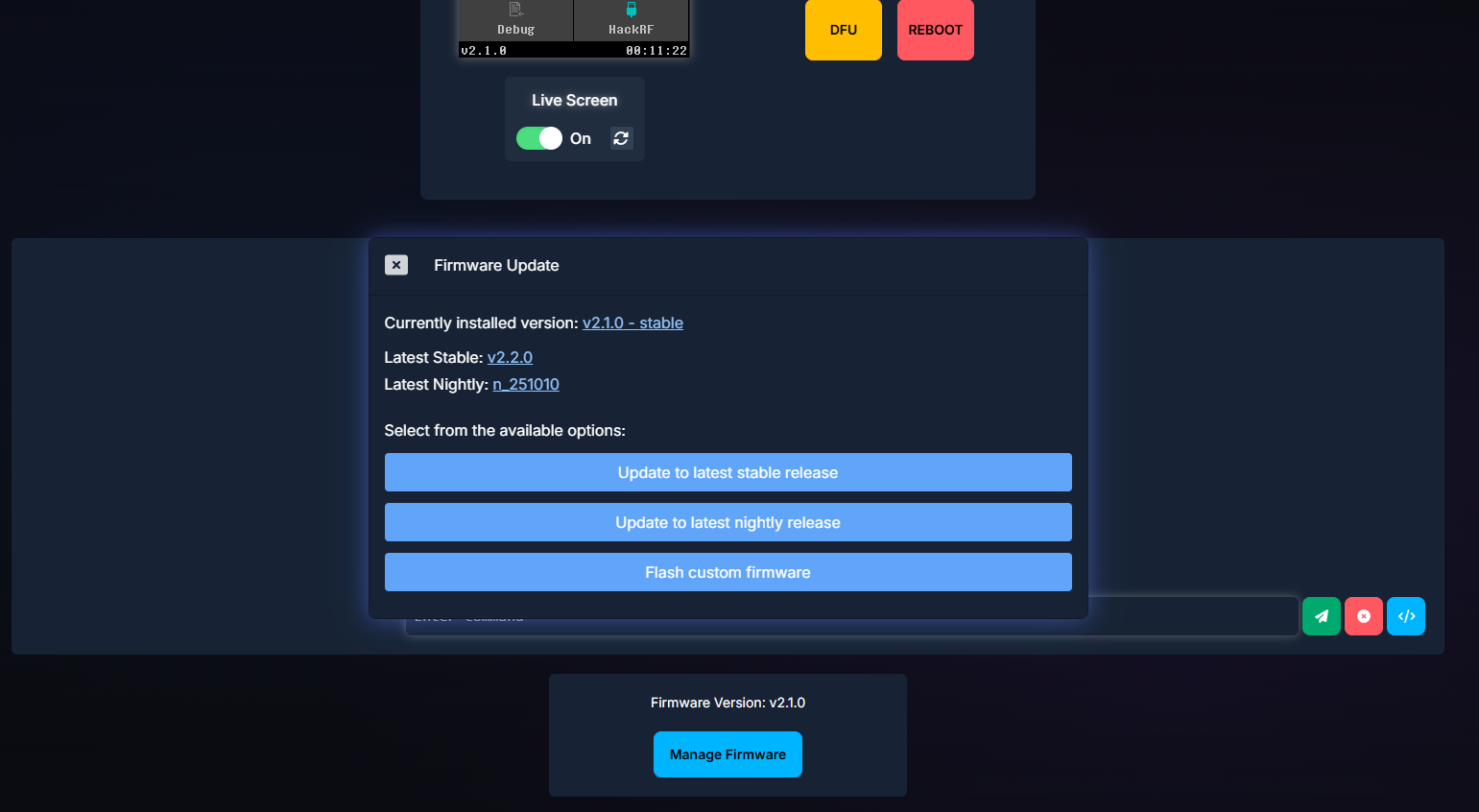
HackRF H4M Mayhem Firmware Update Guide: 2025 Web Flasher Method
Why Use the Web Flasher Method?
No local toolchain or USB drivers required
Instant OTA updates via your browser
Always fetches the latest official Mayhem release
Safe, with built-in file integrity checks
Prerequisites...

Mayhem v2.1.0 vs v2.2.0: Every New Feature, Fix, and Why You Need to Update Now
Overview
Mayhem firmware versions 2.1.0 and 2.2.0 introduce significant enhancements and fixes for HackRF PortaPack H4M users. This comparison highlights all changes and explains why updating to v2.2.0 is essential.
Major New Features in v2.2.0...
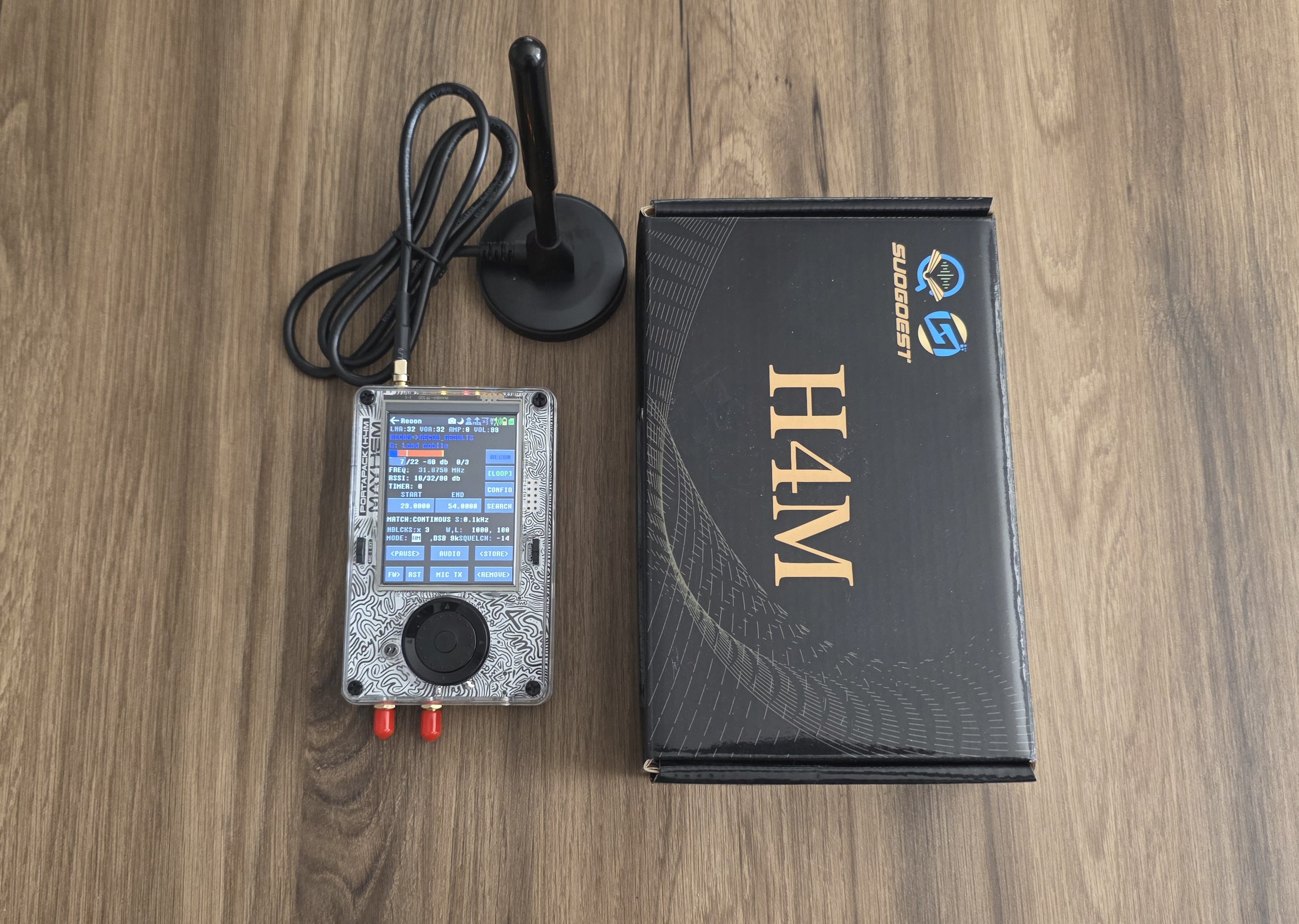
HackRF H4M Portable Spectrum Analyzer Guide
Prerequisites
HackRF PortaPack H4M with current Mayhem firmware
MicroSD card (FAT32) with Mayhem data files loaded
Appropriate antenna for the band you’re analyzing (we recommend the 12 dBi 700–2700 MHz antenna included in some bundles)...
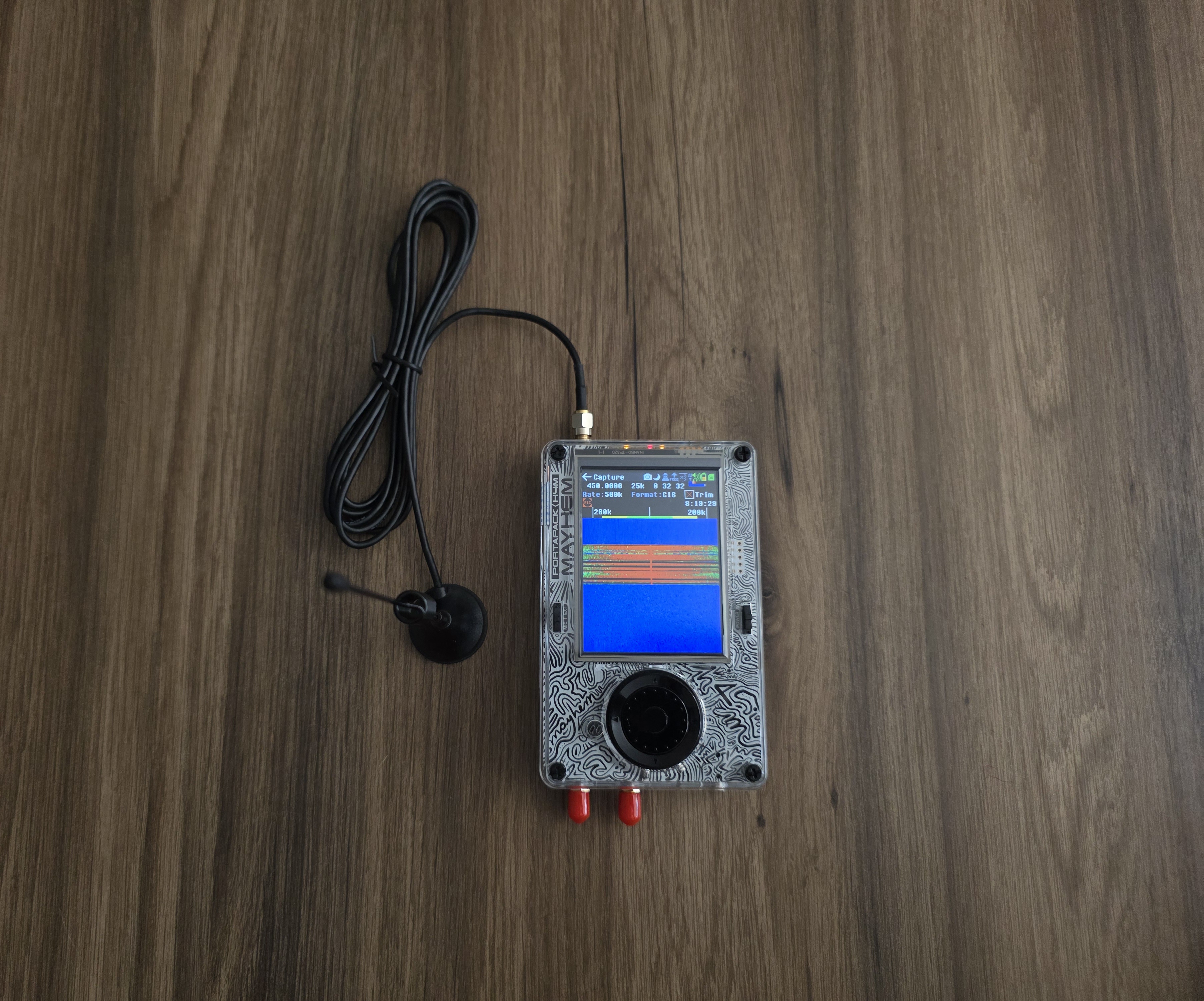
Capturing and Replaying RF Signals with HackRF H4M
Prerequisites
HackRF PortaPack H4M with current Mayhem firmware
MicroSD card (FAT32) with free space for IQ recordings
An antenna matched to the target band
Local, lawful test signals (e.g., simple OOK/ASK remotes, sensors, or a test...
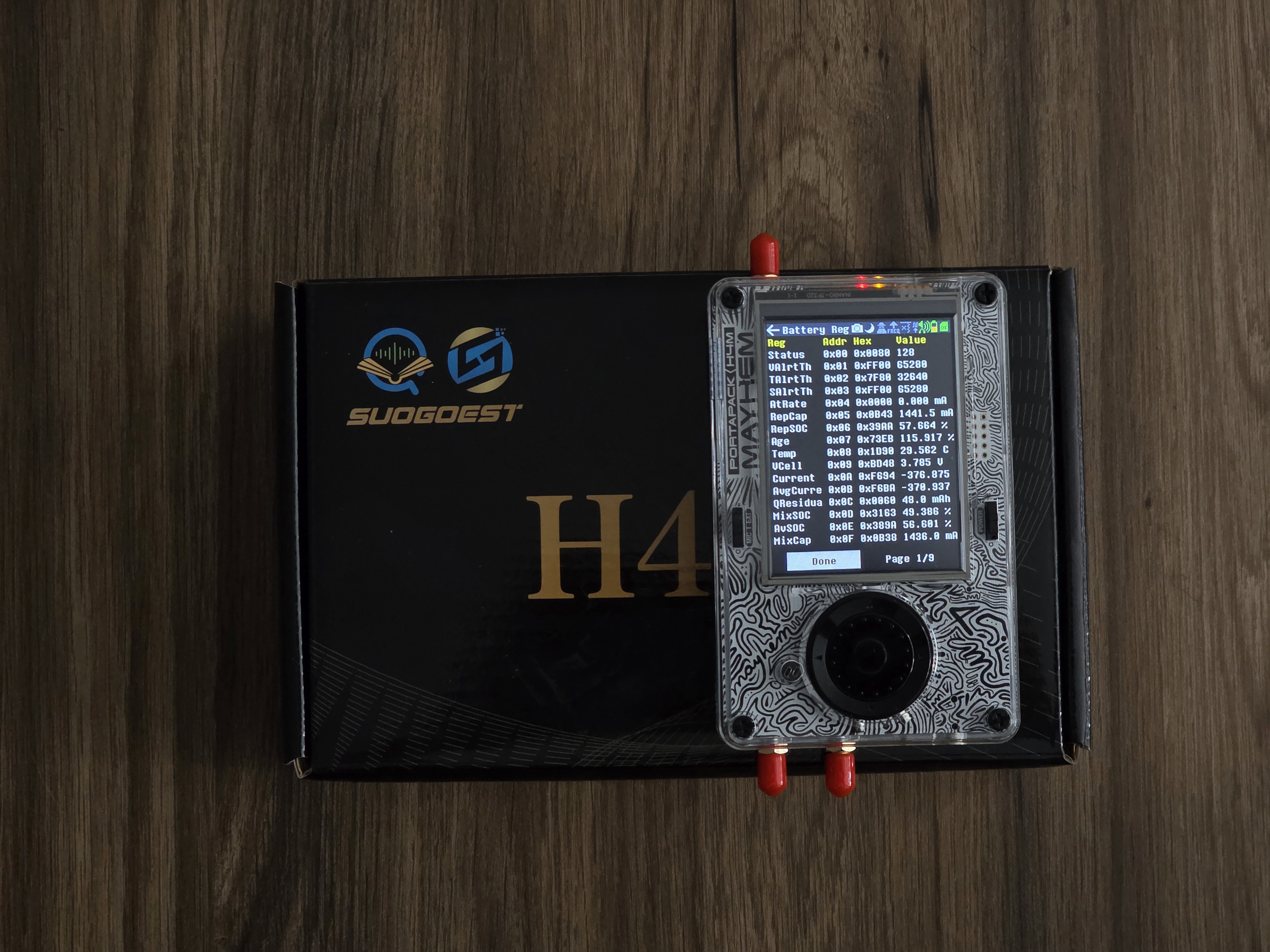
Troubleshooting HackRF H4M: Common Issues and Solutions
1. No Signal or Weak Signal Reception
Check Antenna Connection: Ensure that the antenna is properly connected to the HackRF H4M. A loose or damaged antenna can cause weak or no signal reception.
Verify Frequency Settings: Double-check that...
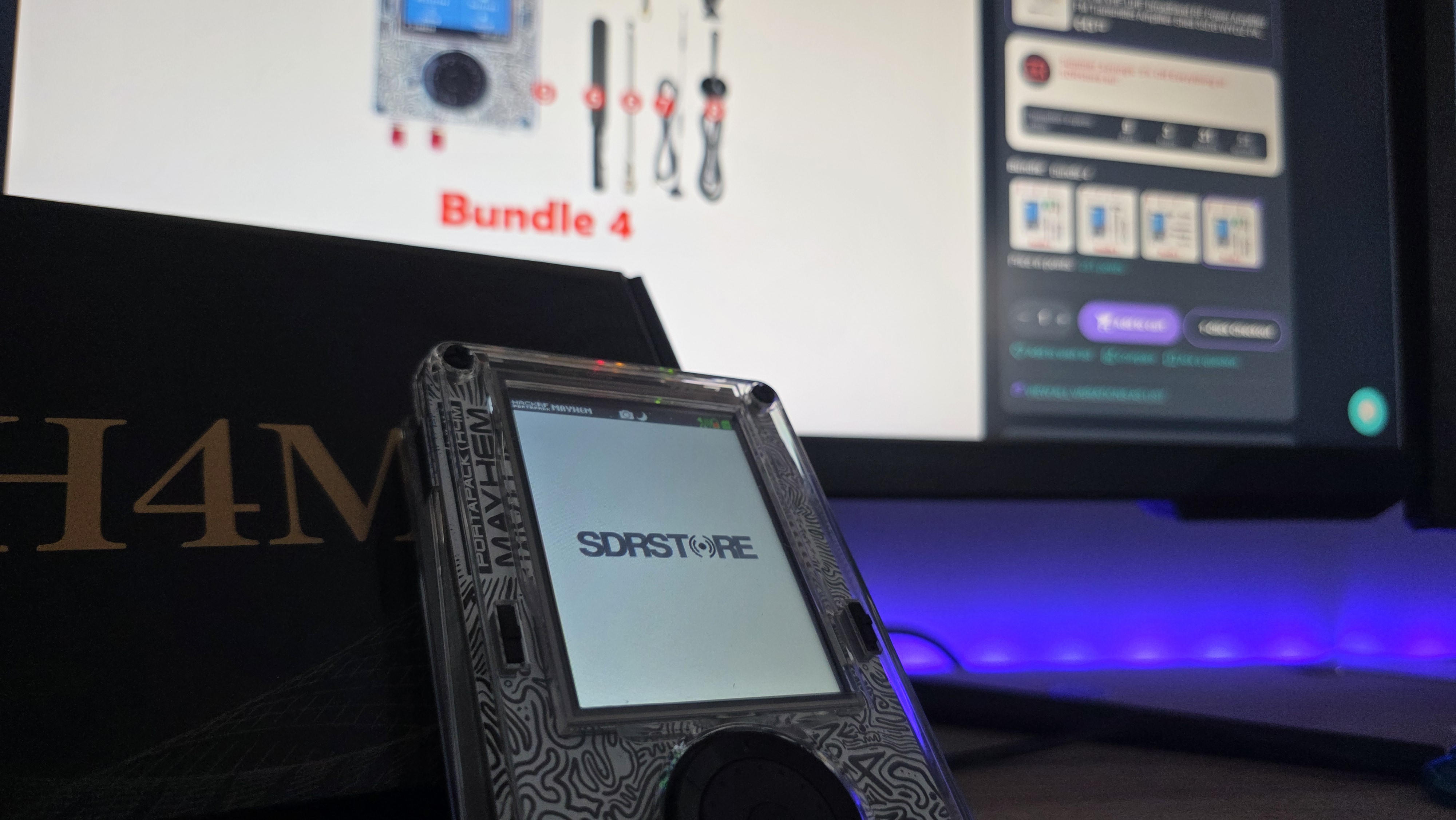
HackRF H4M Custom Splash Screen Guide
Prerequisites
HackRF PortaPack H4M running Mayhem v1.7.4 or newer (v2.0.1+ for cloud upload)
MicroSD card formatted FAT32 with Mayhem files
Your 240 × 304 px, 24-bit BMP image named splash.bmp
Optional tools: ImageMagick or any...
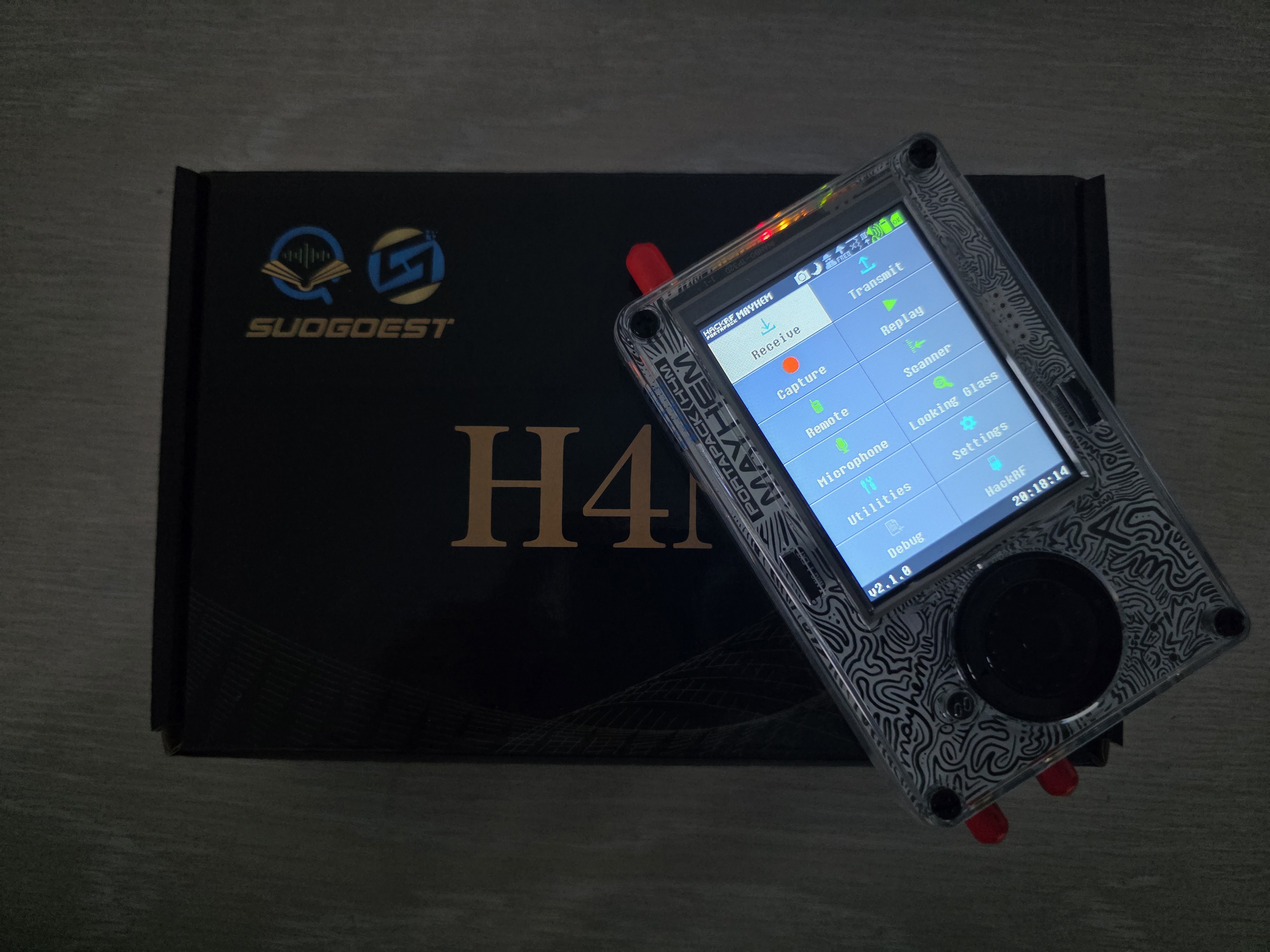
HackRF H4M SD Card Preparation & Mayhem Firmware Flashing Guide
What You Need
HackRF PortaPack H4M
MicroSD card (16–32 GB, genuine brand recommended)
SD card reader (for computer users)
Windows or Linux computer (optional)
Android phone with SD card slot (optional)
USB cable (for...
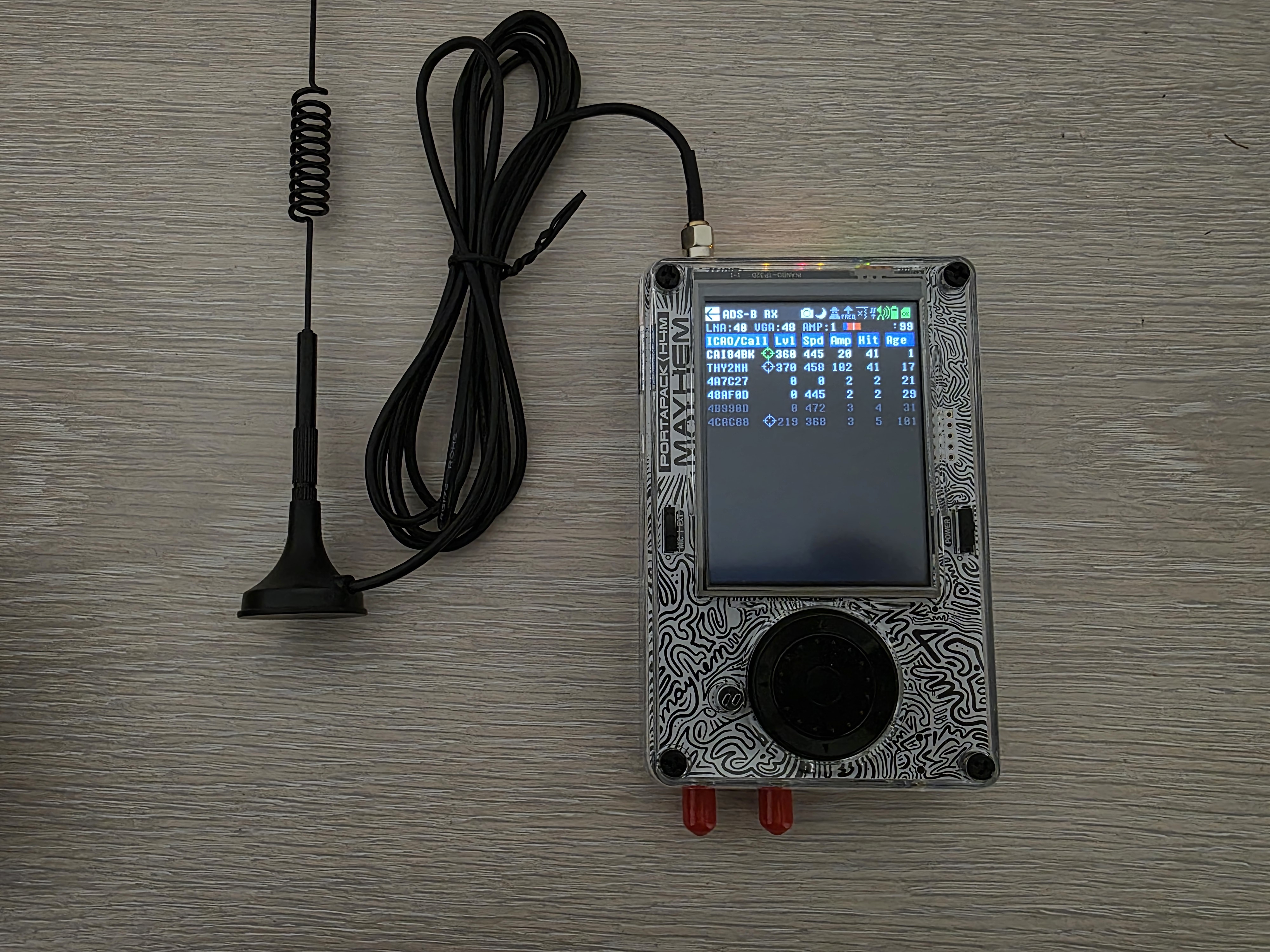
HackRF H4M ADS-B Aircraft Tracking with Map
Prerequisites
HackRF PortaPack H4M with Mayhem firmware v2.0.1+ installed
MicroSD card formatted to FAT32 containing ADS-B map files ( /ADSB/world_map.bin , world_map.jpg )
ADS-B antenna (12 dBi, 700 MHz–2700 MHz) — included in...






We support all major card and digital payment options. More local methods are available and shown during checkout.
You enter into a binding sales contract once you have received an 'order confirmation and sales receipt' email from us, in line with our Sales & Delivery conditions. Therefore, sdrstore.eu has the right to cancel your order in the event of technical problems, delivery failure, Fair use policy and other similar situations.






Your payments are protected by advanced encryption and 3-D Secure authentication for safe online shopping.