





OpenISAC with LUOWAVE LW-X310: A Complete Hardware and Software Build List
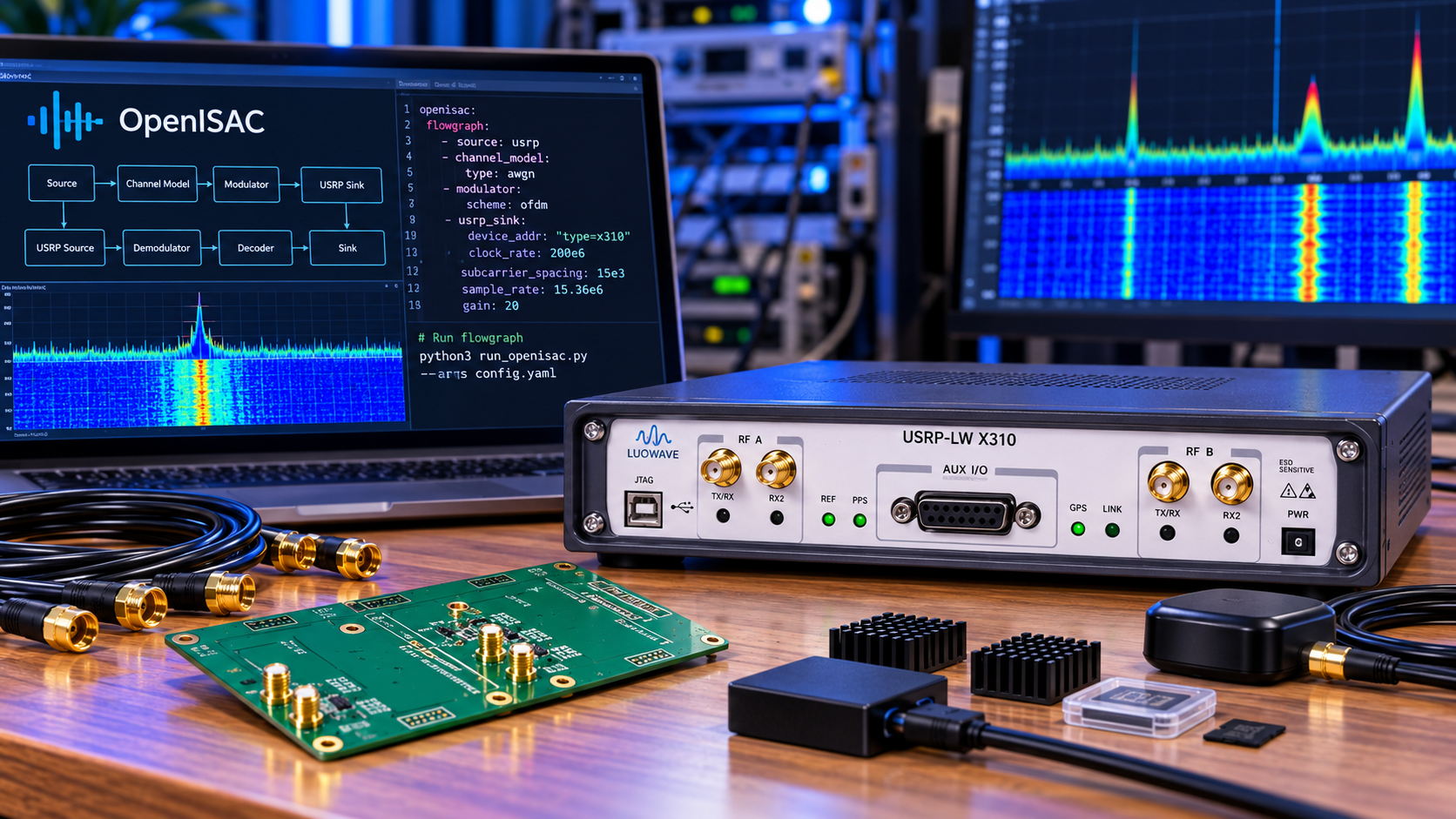
A complete OpenISAC experiment needs two radio nodes, their computers, suitable RF frontends, stable references and a verified streaming path. The LUOWAVE LW-X310 is a proposed platform for that build; OpenISAC's X310 presets are a starting point, not proof that every LW-X310 configuration works unchanged.
OpenISAC is an open-source OFDM platform for integrated sensing and communication research. It is not a Wi-Fi or 5G NR interoperability stack. Choose it when you want to modify a research PHY and evaluate communication and sensing together.
Choose the experiment before counting hardware
The project's hardware guide describes a base station, or BS, and a user equipment node, or UE. In downlink-only operation, the BS transmits and receives sensing echoes while the UE receives the communication signal. This uses three antenna paths: two at the BS and one at the UE.
With duplex/uplink enabled, add a UE transmit path and a separate BS uplink receive path. That makes five antenna paths. The documented BS uplink receiver cannot currently share the sensing RX channel. Physical antennas can only be shared through a separately engineered RF arrangement; do not erase a required receiver channel from the parts list.
Core hardware bill of materials
| Item | Downlink-only build | Duplex addition or qualification |
|---|---|---|
| LW-X310 radio assemblies | 2, one per node | Both must support the selected uplink configuration |
| Backend computers | 2 | Verify processing margin with the full workload |
| BS RF paths | 1 TX and 1 sensing RX | Add 1 separate uplink RX |
| UE RF paths | 1 RX | Add 1 TX |
| Antennas and RF feeds | 3 paths total | 5 paths total |
| 10GbE host links | At least 1 suitable link per node | Confirm link count against aggregate sample traffic |
| OCXO/GPSDO reference provision | For both radios, following project guidance | Add PPS/control connections if required by the selected timing mode |
Each host link needs a supported NIC and compatible physical connection. Two short DAC links can connect two radio/host pairs. An optical alternative needs two fibre links and four compatible optical transceivers, one at each end of each link.
Include power supplies, RF cables, suitable attenuation, loads and filtering. Optional items include a separate viewing computer, GPU acceleration, adjustable OCXO control hardware, timing distribution and additional sensing channels. They are not all mandatory for the same experiment.
Specify the daughterboards explicitly
LUOWAVE describes LW-X310 as a modular platform. Its operating band and bandwidth depend on the installed RF hardware. State the actual carrier, simultaneous TX/RX requirement, usable bandwidth and channel mapping before selecting daughterboards.
A receiver-only TwinRX board cannot provide the BS transmit path. A transceiver-capable board may satisfy a basic BS TX/sensing-RX arrangement, while the duplex configuration needs another independently available receive channel. Obtain confirmation against the exact board and FPGA configuration.
Use our X310-class listing as an enquiry starting point and name LUOWAVE LW-X310 explicitly. Require the manufacturer, installed boards and compatible software in the offer; the listing's generic title is not a complete identity check.
Software to include in the build record
- Ubuntu 24.04 LTS for the documented backend workflow.
- A C++17 compiler, CMake and build tools.
- UHD and compatible radio FPGA images; OpenISAC documents testing with UHD 4.9.0.1.
- Boost, FFTW3 single-precision support and AFF3CT for the backend.
- yaml-cpp, ZeroMQ and cppzmq, plus dependency requirements for the pinned revision.
- A separate Python environment and the repository's requirements.txt for the viewers.
- FFmpeg if using the video demonstration; compatible GPU software only if enabling acceleration.
Follow the project's installation instructions and CMake build guide. Record the OpenISAC commit, dependency versions, compiler and CPU. Rebuild CPU-specific dependencies when moving to a different instruction set.
Adapt the presets instead of copying them blindly
The inspected X310 presets use 50 MS/s, a 200 MHz master-clock setting and a 2.4 GHz carrier. Those are example configuration values, not permission to transmit or a benchmark for your LW hardware. Check radio addresses, actual supported rates, channel indices, antenna-port names and gains.
Copy BS_X310.yaml and UE_X310.yaml into the respective working directories as BS.yaml and UE.yaml. Both binaries read their runtime YAML from the working directory. For uplink, start from the relevant duplex examples and review the additional channel mapping.
Clock and time sources are separate settings. Confirm reference-lock status and the intended PPS arrangement. Do not enable an adjustable-OCXO control mode without the compatible control hardware and calibration it expects. A shared reference does not eliminate RF-chain delay calibration.
Validate in stages
- Probe each radio with the agreed UHD stack and save hardware, daughterboard and FPGA information.
- Benchmark the required receive and transmit streams without the full processing pipeline.
- Build both backend programs in Release mode and confirm they load the correct YAML files.
- Start with a protected conducted or shielded test and establish communication before interpreting sensing plots.
- Check sample continuity, synchronisation, payload integrity and RF leakage.
- Apply the project's performance-tuning guidance, then repeat with sensing and viewers active.
During recovery, return to the last working rate and configuration, inspect logs and verify reference lock before changing several parameters at once. The first-run guide documents startup order and performance helpers. Keep RF experiments within your authorisation and applicable transmission conditions.
Frequently asked questions
Is LW-X310 compatibility already demonstrated here?
No. This is a researched integration list; the exact LUOWAVE assembly needs a supported-stack demonstration.
Are two radios always needed?
They are part of the documented complete BS/UE experiment. A reduced local test is a different configuration.
Is a GPU mandatory?
No. Viewer acceleration is optional. Backend throughput still depends on CPU, memory, network and configuration.
Can I reuse the three-antenna setup for duplex?
The documented duplex arrangement requires five RF paths, including a separate BS uplink receiver.
Use our online quote process with the pinned OpenISAC revision, BS/UE channel map, carrier and rate. Request a complete parts list and explicit compatibility confirmation.
No posts found
Write a review






We support all major card and digital payment options. More local methods are available and shown during checkout.
You enter into a binding sales contract once you have received an 'order confirmation and sales receipt' email from us, in line with our Sales & Delivery conditions. Therefore, sdrstore.eu has the right to cancel your order in the event of technical problems, delivery failure, Fair use policy and other similar situations.






Your payments are protected by advanced encryption and 3-D Secure authentication for safe online shopping.