








SDR++ vs SDRSharp vs SDRangel: Which SDR Software Should You Use?
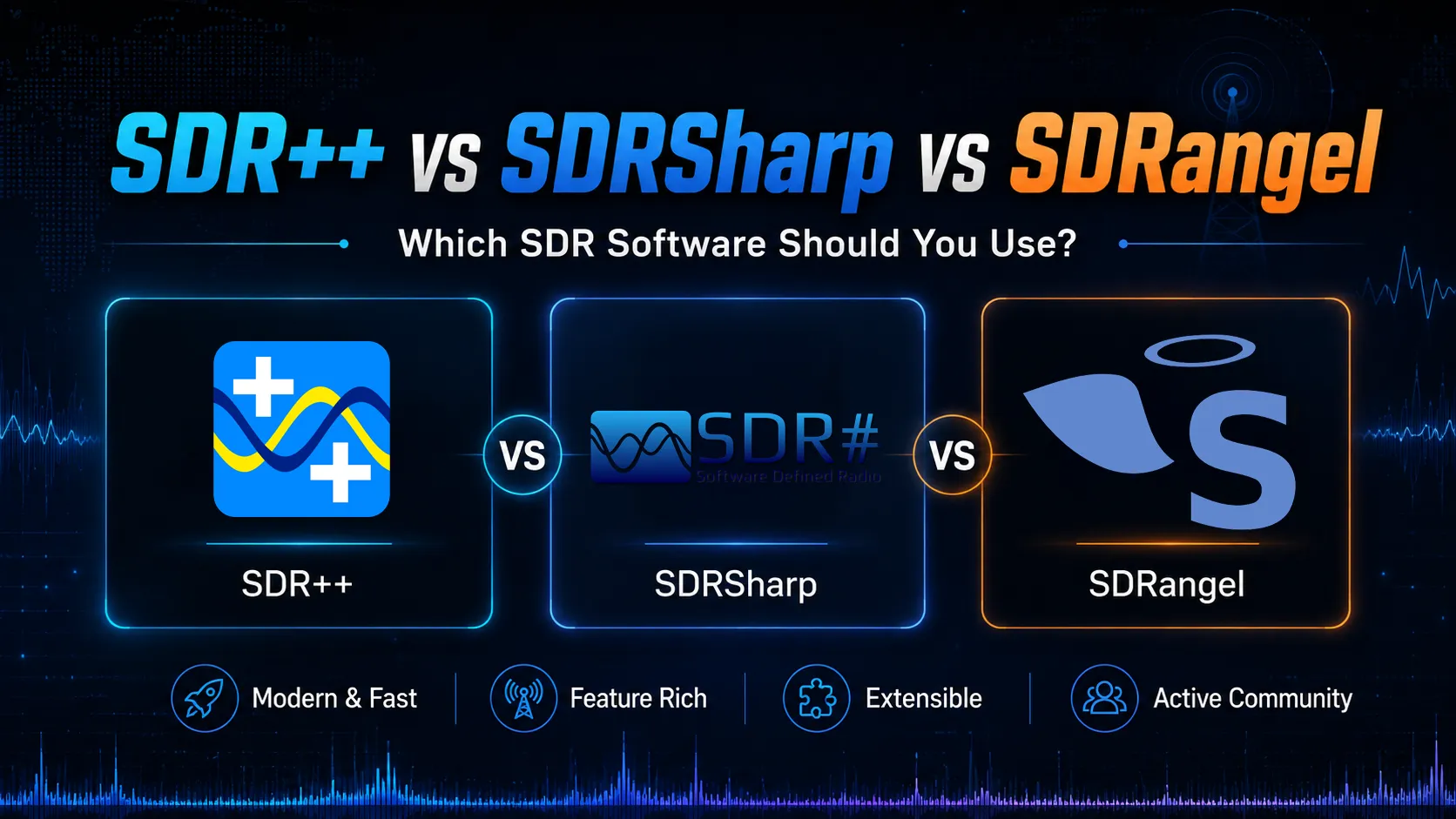
SDR++, SDRSharp, and SDRangel are three of the most popular SDR software options in 2026. All three can be useful, but they are not designed for exactly the same type of user. SDR++ is fast, modern, and beginner-friendly. SDRSharp is still one of the strongest Windows choices, especially for users who like plugins. SDRangel is the most advanced option for users who want receive, transmit, analysis, MIMO, and more technical SDR workflows.
If you are comparing SDR++ vs SDRSharp vs SDRangel, the right choice depends on your hardware and what you want to do. A beginner using an RTL-SDR for listening may prefer SDR++. A Windows user who wants plugins may prefer SDRSharp. A HackRF, PlutoSDR, or USRP user who wants advanced RX/TX features may prefer SDRangel.
This guide compares SDR++, SDRSharp, and SDRangel for beginners, RTL-SDR users, HackRF users, PlutoSDR users, Windows users, Linux users, and advanced SDR projects.
Quick Answer: SDR++, SDRSharp, or SDRangel?
| Software | Best For | Best User |
|---|---|---|
| SDR++ | Fast, modern, cross-platform SDR listening | Most beginners and daily SDR users |
| SDRSharp | Windows SDR listening, plugins, Airspy, RTL-SDR, and scanner-style workflows | Windows users who want plugins and tutorials |
| SDRangel | Advanced RX/TX, signal analysis, satellites, MIMO, and transmit-capable SDRs | Intermediate and advanced users |
For most beginners, SDR++ is the best first choice. For Windows users who want the classic plugin-based experience, SDRSharp is still very strong. For advanced SDR users with HackRF, PlutoSDR, USRP, or other transmit-capable hardware, SDRangel is usually the most powerful option.
What Is SDR++?
SDR++ is a modern, cross-platform, open-source SDR receiver application. It is designed to be fast, lightweight, and easy to use without feeling overloaded. This makes it one of the best SDR programs for beginners who want to start receiving signals quickly.
SDR++ is especially good for general listening with RTL-SDR, Airspy, HackRF, SDRplay, and other supported receivers. It works well for FM radio, airband, amateur radio monitoring, general scanning, and basic spectrum exploration.
SDR++ is best for:
- Beginners who want an easy first SDR program
- RTL-SDR users who want a clean modern interface
- Windows, Linux, macOS, and Android users
- Fast spectrum and waterfall viewing
- General listening and daily SDR use
- Users who want something simpler than SDRangel
If you are starting with an RTL-SDR Blog V3 Kit, SDR++ is one of the easiest programs to install first.
What Is SDRSharp?
SDRSharp, also written as SDR#, is one of the most popular SDR programs for Windows. It has been used for many years by Airspy and RTL-SDR users and remains a strong choice for people who want a Windows-focused SDR receiver with plugin support.
The biggest advantage of SDRSharp is its ecosystem. Many users like it because there are many tutorials, plugins, scanner workflows, and guides available. It is especially popular with Airspy receivers, but it can also be used with RTL-SDR and other supported radios through the correct drivers.
SDRSharp is best for:
- Windows SDR users
- Airspy users
- RTL-SDR users who want plugin workflows
- Scanner-style listening
- Users following older RTL-SDR tutorials
- People who want a mature Windows SDR ecosystem
SDRSharp is still a good option for an RTL-SDR receiver, especially if you use Windows and want access to plugin-based features.
What Is SDRangel?
SDRangel is a much more advanced SDR application. It is not only a simple receiver. It supports receive and transmit workflows, signal analysis, advanced demodulators, satellite tools, MIMO, mapping, measurement features, and many hardware devices.
SDRangel is especially useful with more advanced SDR hardware such as HackRF, PlutoSDR, and USRP. It is also useful for users who want to do more than basic listening.
SDRangel is best for:
- Intermediate and advanced SDR users
- HackRF, PlutoSDR, USRP, and other advanced SDRs
- Receive and transmit workflows
- Signal analysis and measurements
- MIMO and multi-device setups
- Satellite and mapping-related SDR projects
- Users who want one powerful all-in-one SDR tool
SDRangel is not usually the easiest first program for a complete beginner, but it is one of the best choices once you want more control and more advanced features.
SDR++ vs SDRSharp vs SDRangel: Main Comparison
| Feature | SDR++ | SDRSharp | SDRangel |
|---|---|---|---|
| Best overall use | Simple daily SDR listening | Windows SDR listening with plugins | Advanced SDR receive/transmit and analysis |
| Beginner friendliness | Excellent | Good | Medium |
| Interface style | Modern and clean | Classic Windows SDR layout | Technical and feature-rich |
| Best operating system | Windows, Linux, macOS, Android | Windows | Windows, Linux, macOS, Android |
| Plugin ecosystem | Moderate | Strong | Feature-rich internally |
| Transmit support | Mainly receive-focused | Mainly receive-focused | Strong RX/TX support |
| Best hardware match | RTL-SDR, Airspy, HackRF, SDRplay | Airspy, RTL-SDR, supported receivers | HackRF, PlutoSDR, USRP, advanced SDRs |
| Best for advanced users | Good for listening | Good for Windows plugin workflows | Best overall |
Which SDR Software Is Best for Beginners?
SDR++ is usually the best SDR software for beginners. It is easier to understand than SDRangel, more modern-feeling than many older programs, and flexible enough for most common listening tasks.
A beginner can install SDR++, connect an RTL-SDR, choose the device, set the frequency, adjust gain, and immediately see signals on the spectrum and waterfall. That simple workflow matters when someone is learning SDR for the first time.
SDRSharp is also beginner-friendly, especially on Windows, but plugin setup and driver details can sometimes confuse new users. SDRangel is powerful, but it can feel overwhelming if you only want to listen to FM radio or airband.
Beginner recommendation
- Choose SDR++ if you want the easiest modern starting point.
- Choose SDRSharp if you are on Windows and want plugin support.
- Choose SDRangel later when you want advanced SDR features.
Which Is Best for RTL-SDR?
For RTL-SDR users, SDR++ and SDRSharp are usually the best first options. SDR++ is cleaner and more modern, while SDRSharp has a long Windows plugin history.
If you are using an RTL-SDR Blog V3 Kit or an RTL-SDR Blog receiver, start with SDR++ for general listening. Use SDRSharp if you specifically want Windows plugins, scanning add-ons, or tutorials written around SDR#.
SDRangel can also work with RTL-SDR, but it is usually more than a beginner needs for simple listening.
| RTL-SDR Use Case | Best Software |
|---|---|
| First-time SDR listening | SDR++ |
| Windows plugin workflows | SDRSharp |
| Advanced analysis or multi-feature workflows | SDRangel |
| Simple FM, airband, amateur radio monitoring | SDR++ or SDRSharp |
Which Is Best for HackRF?
For HackRF users, SDR++ and SDRangel are usually more important than SDRSharp. SDR++ is useful for simple receive testing, while SDRangel is better for advanced receive and transmit workflows.
If you are using a HackRF as a PC-connected SDR, SDRangel is a strong choice because it supports more advanced RX/TX use cases. If you only want to check signals quickly, SDR++ is easier.
For portable HackRF PortaPack users, Mayhem firmware handles many standalone tasks on the device itself. But when connected to a computer, SDR++ and SDRangel are both useful depending on the workflow.
HackRF recommendation
- Use SDR++ for quick receive testing.
- Use SDRangel for advanced receive/transmit workflows.
- Use GNU Radio if you want custom DSP flowgraphs and development.
Which Is Best for PlutoSDR and PLUTO+?
For PlutoSDR and PLUTO+, SDRangel is usually the strongest of these three choices. PlutoSDR-style hardware is often used for transmit and receive experiments, so SDRangel’s advanced feature set is more relevant.
A device such as the PLUTO+ SDR AD9363 2T2R transceiver is better matched with SDRangel or GNU Radio than with basic receive-only software. SDR++ may still be useful for some receive testing, but SDRangel is the better practical choice for more serious work.
PlutoSDR / PLUTO+ recommendation
- Use SDRangel for visual RX/TX workflows.
- Use GNU Radio for custom development and digital communications.
- Use SDR++ only when you want a simpler receive-style experience.
SDR++ Pros and Cons
SDR++ pros
- Modern and clean interface
- Fast performance
- Cross-platform support
- Good beginner experience
- Works with many common SDRs
- Excellent daily-use receiver
SDR++ cons
- Not as plugin-focused as SDRSharp
- Not as advanced as SDRangel for TX/RX workflows
- Nightly builds can change quickly
- Not a full DSP development platform
SDRSharp Pros and Cons
SDRSharp pros
- Strong Windows ecosystem
- Popular with Airspy users
- Good RTL-SDR support with the right drivers
- Large tutorial history
- Plugin-friendly workflow
- Good for scanning and monitoring
SDRSharp cons
- Mainly Windows-focused
- Plugin compatibility can vary by version
- Less ideal for Linux and macOS users
- Not the strongest option for advanced transmit-capable SDR workflows
SDRangel Pros and Cons
SDRangel pros
- Very powerful feature set
- Supports receive and transmit workflows
- Good for HackRF, PlutoSDR, USRP, and advanced devices
- Includes signal analysis tools
- Useful for MIMO and multi-device workflows
- Cross-platform support
SDRangel cons
- More complex than SDR++ and SDRSharp
- Can overwhelm beginners
- Requires more time to learn
- Not always the fastest path for simple listening
SDR++ vs SDRSharp: Which Is Better?
SDR++ is usually better if you want a modern, fast, cross-platform SDR receiver. It is cleaner, easier to recommend to new users, and works well for daily listening.
SDRSharp is usually better if you are on Windows and specifically want the SDR# plugin ecosystem. It is also a strong choice for Airspy users and for people following tutorials that are written around SDRSharp.
| Question | Better Choice |
|---|---|
| I want the easiest modern SDR receiver | SDR++ |
| I want Windows plugins | SDRSharp |
| I use Linux or macOS | SDR++ |
| I use Airspy hardware | SDRSharp or SDR++ |
| I use RTL-SDR as a beginner | SDR++ |
SDR++ vs SDRangel: Which Is Better?
SDR++ is better for simple listening and beginner-friendly receiver use. SDRangel is better for advanced SDR workflows, especially when transmit-capable hardware is involved.
If you are using RTL-SDR for listening, SDR++ is easier. If you are using HackRF, PlutoSDR, PLUTO+, or USRP for advanced projects, SDRangel is more powerful.
| Question | Better Choice |
|---|---|
| I want simple listening | SDR++ |
| I want advanced signal analysis | SDRangel |
| I use HackRF for RX/TX | SDRangel |
| I use RTL-SDR as a beginner | SDR++ |
| I want MIMO or multi-device workflows | SDRangel |
SDRSharp vs SDRangel: Which Is Better?
SDRSharp is better for Windows users who want a receiver-focused program with plugins. SDRangel is better for advanced users who need RX/TX, analysis, and support for more technical SDR workflows.
If you are mainly listening on Windows, SDRSharp may be easier. If you are doing signal testing, using HackRF or PlutoSDR, or working with transmit-capable hardware, SDRangel is the better choice.
Best Software by User Type
| User Type | Best Software | Why |
|---|---|---|
| Complete beginner | SDR++ | Clean, modern, fast, and easy to understand |
| Windows plugin user | SDRSharp | Strong plugin ecosystem and many tutorials |
| Linux SDR user | SDR++ or SDRangel | Both are useful depending on complexity needed |
| RTL-SDR beginner | SDR++ | Best first experience for general listening |
| HackRF user | SDRangel | Better for advanced RX/TX workflows |
| PlutoSDR user | SDRangel | Better for transmit-capable SDR workflows |
| Advanced experimenter | SDRangel | More analysis tools and advanced features |
Best SDRstore Hardware for Each Software
If you are choosing software and hardware together, this is the easiest buying path:
- For SDR++, start with an RTL-SDR receiver or the RTL-SDR Blog V3 Kit.
- For SDRSharp, use RTL-SDR or Airspy-style receiver hardware if you want Windows plugin workflows.
- For SDRangel, choose HackRF, PlutoSDR, PLUTO+ SDR, or USRP.
Final Recommendation
SDR++, SDRSharp, and SDRangel are all good SDR programs, but they are best for different users.
Choose SDR++ if you want the best modern beginner SDR receiver. Choose SDRSharp if you are a Windows user who wants plugins and a long tutorial history. Choose SDRangel if you want the most powerful option for advanced receive, transmit, signal analysis, and SDR development workflows.
For most SDRstore customers starting with RTL-SDR, SDR++ is the best first install. For HackRF, PlutoSDR, PLUTO+, and USRP users, SDRangel becomes more important. For Windows users who like plugin-based workflows, SDRSharp remains a strong choice.
FAQ
Is SDR++ better than SDRSharp?
SDR++ is usually better for users who want a modern, fast, cross-platform SDR receiver. SDRSharp is better for Windows users who want plugins and the classic SDR# ecosystem.
Is SDRangel better than SDR++?
SDRangel is better for advanced receive/transmit workflows, signal analysis, MIMO, and advanced SDR hardware. SDR++ is better for simple listening and beginner use.
Which SDR software is best for RTL-SDR?
SDR++ is the best first choice for most RTL-SDR beginners. SDRSharp is also good on Windows, especially for users who want plugins.
Which SDR software is best for HackRF?
SDRangel is usually the best choice for HackRF users who want advanced RX/TX workflows. SDR++ is useful for simple receive testing.
Which SDR software is best for PlutoSDR?
SDRangel is one of the best visual SDR programs for PlutoSDR and PLUTO+ workflows. GNU Radio is also recommended for development and custom digital communications projects.
Is SDRSharp only for Windows?
SDRSharp is mainly a Windows-focused SDR program. Linux and macOS users will usually have an easier experience with SDR++ or SDRangel.
Which SDR software should beginners install first?
Most beginners should install SDR++ first because it is modern, fast, clean, and easier to understand than more advanced SDR software.
Can SDRangel transmit?
Yes. SDRangel supports transmit workflows with compatible SDR hardware, which makes it more advanced than simple receive-only SDR programs.
No posts found
Write a review






We support all major card and digital payment options. More local methods are available and shown during checkout.
You enter into a binding sales contract once you have received an 'order confirmation and sales receipt' email from us, in line with our Sales & Delivery conditions. Therefore, sdrstore.eu has the right to cancel your order in the event of technical problems, delivery failure, Fair use policy and other similar situations.






Your payments are protected by advanced encryption and 3-D Secure authentication for safe online shopping.